Email Submission Form [Tech Specs]
Please note: that all email creative is required 5 working days prior to the send date, and 10 working days over Clearing (July & August). This is to ensure there is enough time to upload the content, run relevant quality checks, complete test sends and receive sign off.
To maximise email performance, please ensure your copy does not include trigger words such as "free", "save", "guarantee", "win", etc. Emails containing these trigger words cannot be sent.
TSR Email Submission Form
We’ve simplified the process for submitting email creative using our new form below. It provides real time feedback and specifications, consolidates everything into one easy format, and ensures no required elements are missed—allowing our Client Services team to build your email more quickly. Alongside the essential elements selected to optimise performance, the form also lets you customise additional subsections (e.g. extra images, extra CTAs).
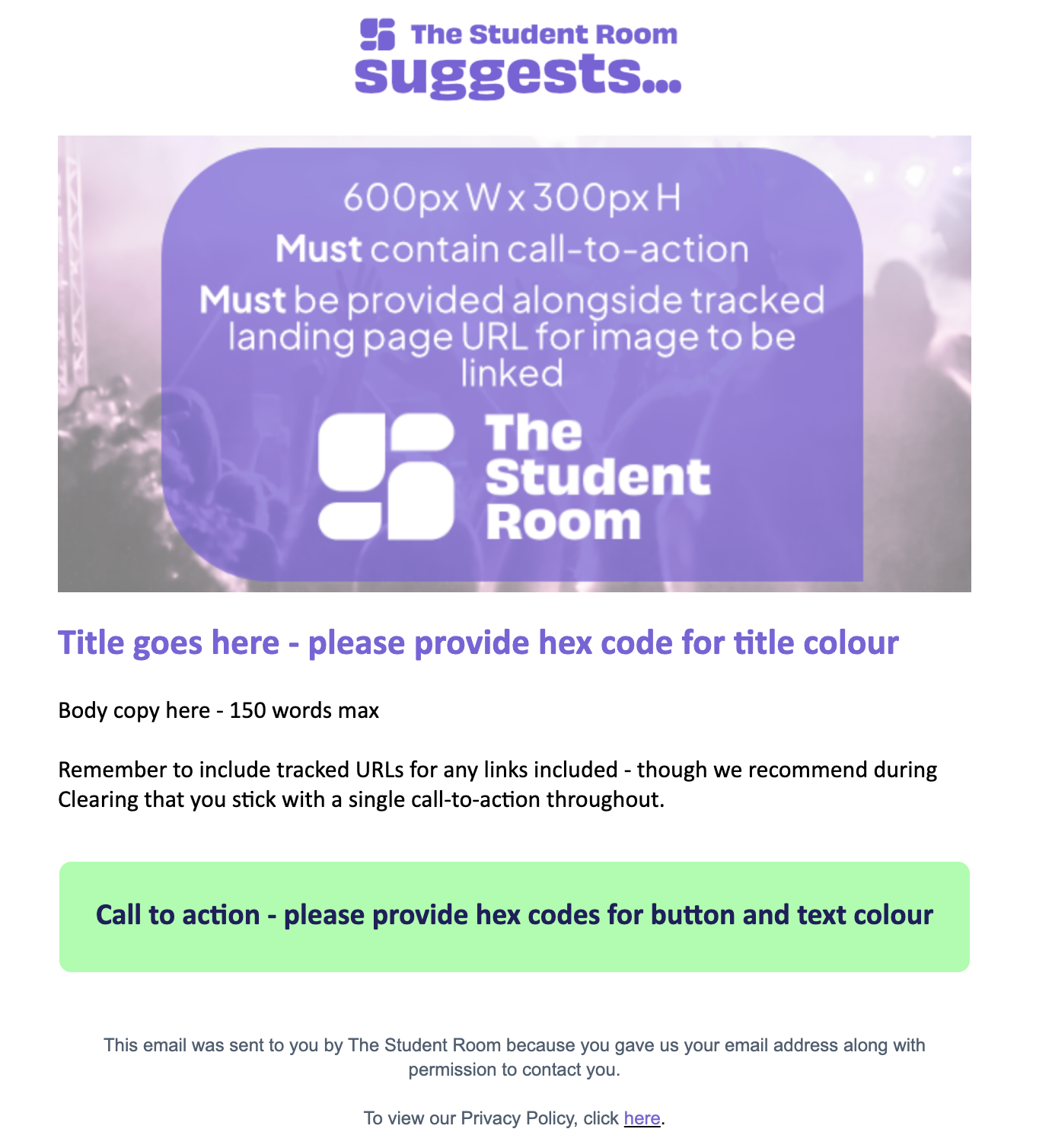
Email templates are made up of the following components (elements marked by an asterisk '*' are required):
- Subject line*(s)
- Preheader
- Main header image*
- Main title, body copy, call-to-action*
- Main URLs (header image & CTA)*
- Main CTA hex colour code*
- Subsection 1 (same as main elements but smaller; optional)
- Subsection 2 (same as main elements but smaller; optional)
- Alternative HTML may be submitted (see form for details)
Please note: We cannot edit images after submission. All images must meet the required specifications listed on the form. Incorrect sizes may affect formatting and require you to resubmit.
We recommend preparing all assets before starting the form, as progress cannot be saved. Closing the form before submitting will require you to restart.
If you have any questions, please contact: clientservices@thestudentroom.com
Submit your campaign assets